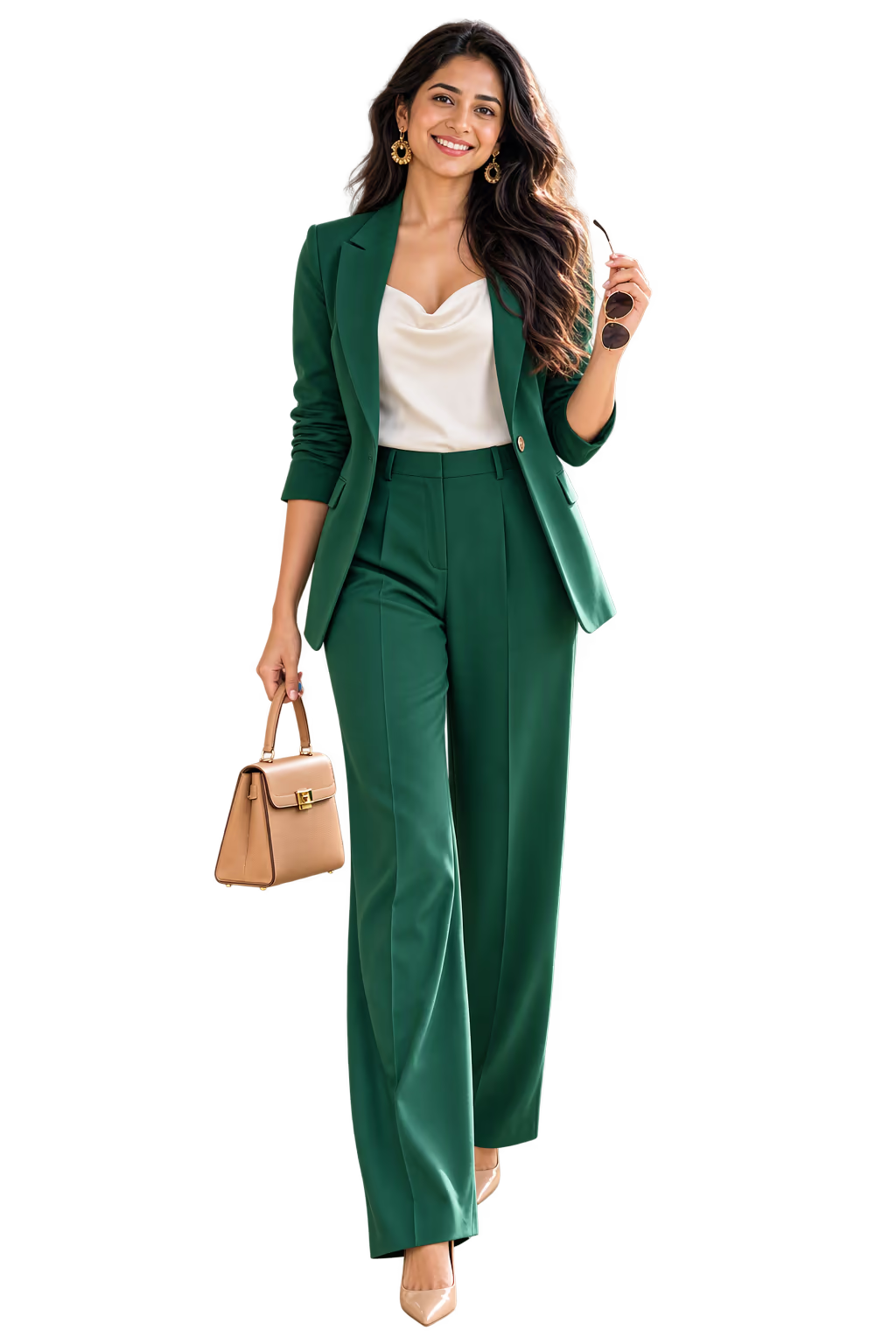

What is virtual try-on?
Virtual try-on shows clothes on a picture of you, so you can see how they look before you change or buy anything. You look at a screen, not a mirror.
It comes in three kinds:
| Kind | How it works | Where you find it |
|---|---|---|
| A picture made from your photo | You upload a selfie or a full-length photo. AI makes a new picture of you wearing the clothes. | Google's try-on in Search, for shop clothes. Ukti, for your own outfits. |
| An avatar | The app makes a digital figure that looks like you, then dresses it. | Closet apps such as Alta and Acloset. |
| A live camera | The item is drawn over the live picture from your camera, and it moves as you move. | Some online shops, for clothing, glasses, makeup or jewelry. |
Ukti uses the first kind. What is different is the clothes: the outfit is built from your own closet.
The live-camera kind is described in Shopify's "Virtual Fitting Rooms: A Retailer's Guide for 2026" (updated 23 October 2026), read 11 November 2026.
How to try on clothes virtually
It depends on whose clothes they are: a shop's, or yours.
Clothes from a shop
You want to see a dress or a jacket on you before you buy it. Google has a try-on inside Search:
- Search Google for a top, a pair of pants or a dress, and open a product.
- Tap "Try it on". If there is no button, that piece is not covered.
- Upload a full-length photo or a selfie of you alone. Google shows the piece on you.
Google's help page lists 18 countries where this works, with India, the US and the UK among them. You must be signed in and at least 18, with search history and personalized recommendations turned on. Lingerie, swimwear and accessories are not covered. Source: Google Shopping Help, read 11 November 2026.
Other tools do the same job on their own websites and apps. Our list of virtual try-on apps compares seven, with the photo each one needs and where each works.
Outfits from your own closet
You want to know which outfit works for tomorrow, without changing five times. For that you need an app that holds your clothes, like Ukti.

How to try on your own clothes with Ukti
- Add your photos. A selfie is needed. A full-length photo helps the picture match your height and build.
- Add your clothes. Take photos of them, one piece at a time or several laid out in one photo. With ten items, Ukti can start building outfits.
- Pick an outfit. Ukti shows outfits built from your closet: a safe one, a bold one and a stretch. You can swap an item.
- Tap Try on. Ukti makes a picture of you wearing the outfit.
- Love it or pass. If you love it, Ukti saves it and makes it your look for today.
For the best picture, take the selfie in daylight, facing a window, with no filter. Stand straight for the full-length photo, in fitted clothes, against a plain wall.

What you see
- The try-on picture. You, wearing the outfit.
- The flat lay. The same outfit laid out flat, next to the picture. So you can see each item clearly.
- Love it or pass. Two simple choices. A loved look goes to your saved looks.
You also get it every morning
You do not have to ask. Every day, your outfit for today comes as a picture of you wearing it. So you know how it will look before you open the closet.
Why this saves time
- You do not try on five outfits before work.
- You see new ways to wear clothes you already own.
- You can check an outfit the night before a big day, like a wedding or an interview.
- You buy less, because you see what your own clothes can do.
The limits, said plainly
- The picture is made with AI. It is not a real photo.
- It shows the look of the outfit on you. It does not show the exact fit, or how the fabric feels.
- There is a daily limit on try-on pictures.
- It needs a selfie. Without one, Ukti cannot make the picture.
- It works with clothes in your closet, not with clothes in a shop.
How is this different from other apps?
Some apps use an avatar, a digital figure made to look like you. Alta's website says: "Try on any outfit on a virtual avatar of you." Acloset's says: "Create an AI avatar from your photo, then try on your own clothes, wishlist items, or recommended outfits." We read both on 11 November 2026.
Ukti makes a picture from your own photo. And Ukti builds the outfit for you first, so you do not start from an empty screen. Our Ukti vs Alta page has more.
Your photos and your privacy
To make the picture, your photos are sent to Ukti. Our privacy policy lists what Ukti collects and why. You can delete your account and your data at any time, from inside the app.
How to start
Get Ukti from the App Store or Google Play. It is free to download. Some features need a membership. The app shows the price before you pay.
Add a selfie and ten items of clothing. Then open your closet and look at the outfits Ukti built. Read more about the outfit maker that builds them.
Updated