What is an outfit maker?
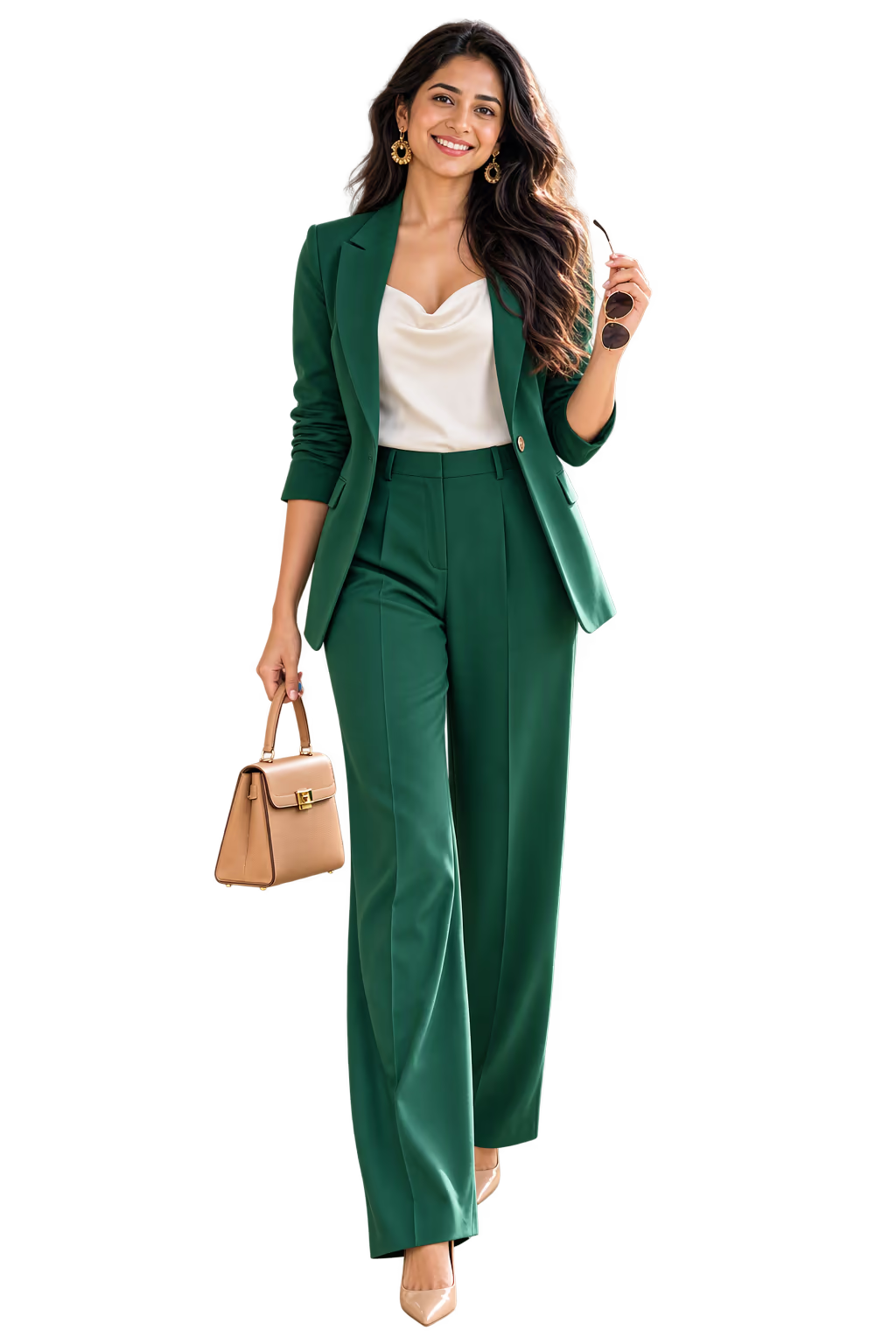
An outfit maker (some people say outfit generator) puts clothes together into a full outfit for you. Some use clothes from shops. Some pick pieces at random, like a game. Ukti uses your own clothes.
So every outfit you see is one you can wear today. You do not need to buy anything.
Not sure which kind of app you need? Read our guide to apps for putting outfits together.
How the outfit maker works
- Add your clothes. Take photos of them. You need ten items to start.
- Say what the day is. Pick an occasion, or type it in your own words.
- See three outfits. A safe one, a bold one and something different. Ask for five more if you want.
- Change what you do not like. Tap an item to swap it for another one from your closet.
- Try it on. See a picture of you wearing the outfit.
Tell it about your day
You have two ways.
Pick an occasion. There are six:
- work,
- big meeting,
- dinner out,
- date,
- wedding and party,
- weekend.
Or type it. For example: "date night with the girls, cold out". Ukti shows you how it understood your words before it builds the outfits.
Set the mood
You can also tell Ukti how you want to feel. There are two simple controls:
- from easy to sharp,
- from quiet to bold.
It knows the weather and your calendar
Ukti can read the weather where you are. Then it builds outfits for rain, cold or heat. You can say no to sharing your location.
If you allow it, Ukti can also read today's event from your calendar and dress you for it.
Rate my outfit: a score out of 10
Each outfit gets a "suits you" score out of 10. You also see three smaller scores:
- Color on you. Do these colors suit your skin tone?
- Shape on you. Does the shape suit your body?
- The occasion. Is it right for where you are going?
When you swap an item, the score changes. So you can see if the outfit got better or worse. Read more about how Ukti can rate your outfit.
Start from one item
Do you have one item you want to wear today? Open it in your closet and ask for outfits that use it. This answers the question "What can I wear with this?"
See it on you
Tap Try on. Ukti makes a picture of you wearing the outfit, and shows the outfit laid out flat next to it. If you love it, Ukti saves it and makes it your look for today. Read more about the virtual try-on.
How is this different from the daily outfit?
| Daily outfit | Outfit maker | |
|---|---|---|
| Where | The Today tab | The Closet tab |
| How many | One a day | Three, and five more if you ask |
| Who starts it | Ukti, every morning | You, when you need it |
| Best for | Normal days, when you do not want to choose | Special days, like a wedding or a big meeting |
Read about the daily outfit.
Make an outfit yourself, right now
Not using an app? Put an outfit together yourself. Start with one piece you want to wear, then add the rest from the row for your day.
| Your day | Start with | Add |
|---|---|---|
| Work | A plain shirt or blouse and straight pants | Loafers or flats, and a blazer or cardigan |
| Big meeting | Your darkest pants or skirt and a crisp top | A blazer and leather shoes, in one or two colors |
| Dinner out | Dark jeans or pants and a top with some texture | One piece with a shine or a print, and nice shoes |
| Date | The top or dress you feel best in | Shoes you can walk in and one warm layer |
| Wedding or party | Your most festive piece | Plain pieces around it, so it stands out |
| Weekend | A T-shirt or sweater and jeans | Clean sneakers and a jacket for the weather |
Then check the weather and change the layer. Our chart of what to wear at each temperature shows what each number needs.
What it does not do
- It does not have a calendar to plan outfits for future days.
- It does not make packing lists.
- It does not add clothes from shop websites. You add clothes with photos.
How to start
Get Ukti from the App Store or Google Play. It is free to download. Some features need a membership. The app shows the price before you pay.
Add ten items to your digital closet. Then open the Outfits page in your closet.
Updated