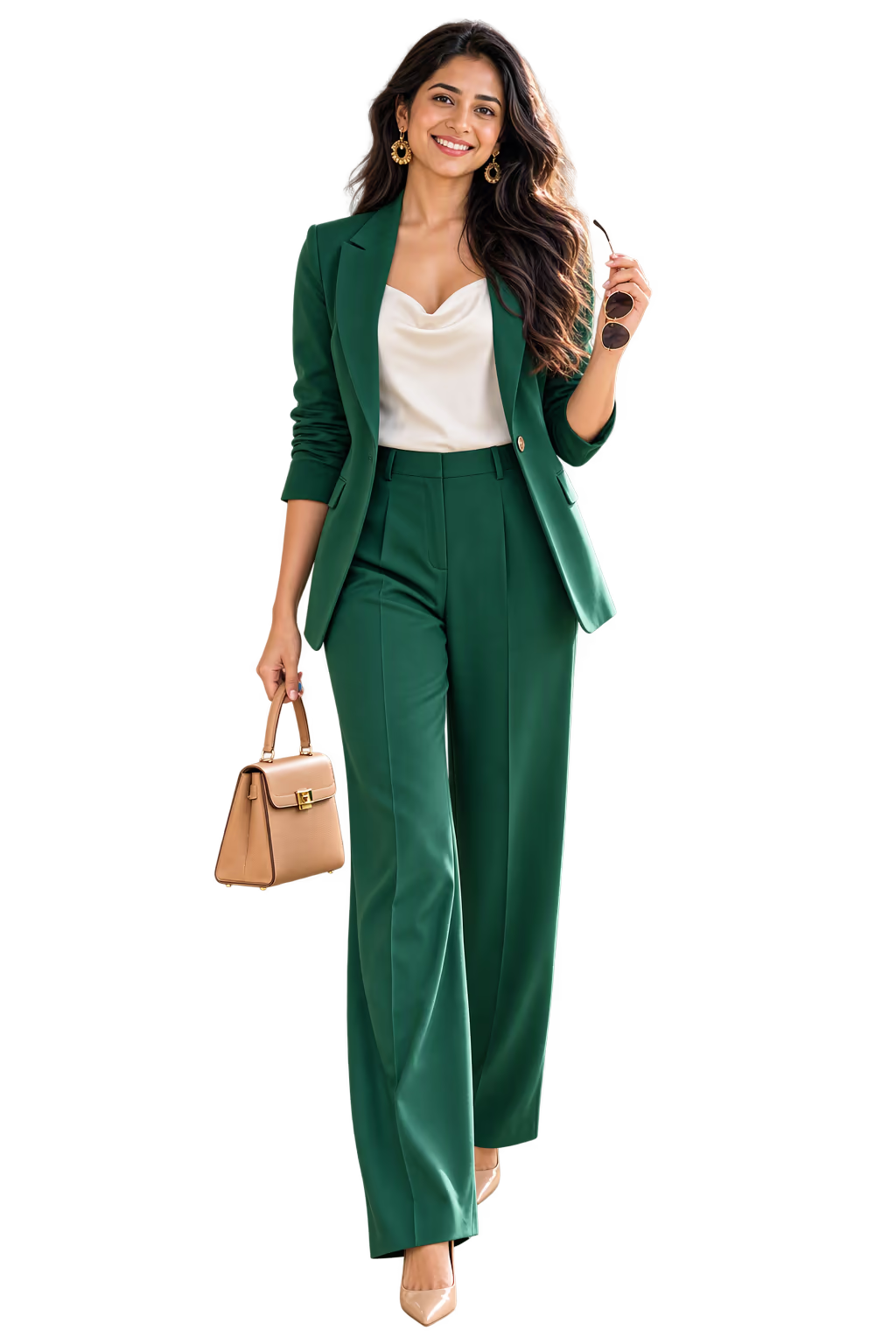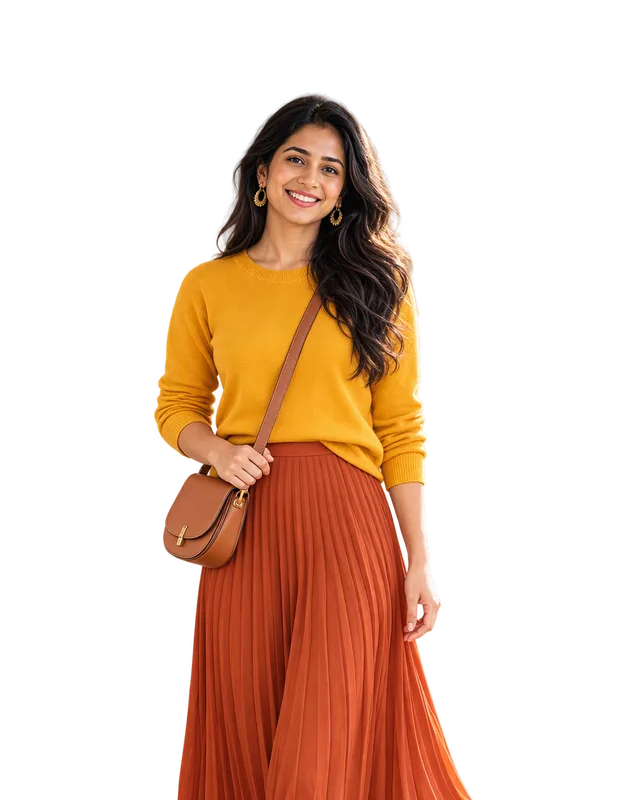


The apps differ in one big way: who makes the outfit. You, or the app. So decide that first. If choosing is the part you find hard, pick an app that chooses for you.
Six apps that work from your own clothes
| App | Who picks | On you |
|---|---|---|
| Acloset | The app, each day | An avatar from your photo |
| Alta | The app, each day | An avatar of you |
| Ukti | The app, each morning | A picture from your selfie |
| Fits | You, or its AI stylist | From a selfie, 1 AI credit each |
| Whering | You, friends or the app | Not stated on its home page |
| Google Photos Wardrobe | You, up to six items | A "Try it on" video |
Acloset says "Your AI-picked outfit, every day", chosen by the weather and your plans. Alta bases its daily outfits on your closet and the weather. Ukti gives you one outfit each morning, and three when you ask for an occasion. Fits lets you place clothes on a canvas. A Whering article says outfits can be made "either by my Whering community or the app itself", and names a shuffle feature called Dress Me.
Adding your clothes is the slow part of any closet app, and this is where they differ most. Acloset says you can "Shoot as many clothes as you like in a row". Fits takes pictures from your camera, your photo library or online shops. Whering adds items "with a photo, database or browser extension". In Ukti you can lay several items out and take one photo.
Google Photos works another way. Its Wardrobe looks through "photos of you from the last 4 years" and lists the clothes it finds, so you take no new photos. There are limits. Google's help page says it is rolling out to Google AI Pro and Ultra subscribers and other select users in the US, India and Brazil. Unless you pay for one of those plans, you need more than 1,000 photos of yourself, and Face Groups must be on. It works from photos of you, so a piece you never wore in a photo may not appear.
If you already use Fits and want the app to choose, read our Fits alternative page. Meta has a similar app that builds a closet from your Instagram posts, though we did not find it in India's app stores on 2 November 2026: see Meta Style Sketch and what to use instead.
We make Ukti, so of course we like it best. We read these apps' own pages on 1 November 2026 and did not test them: Acloset, Alta, Fits and its try-on help page, Whering and its article of March 2025, and Google Photos Wardrobe. Apps change often, so check before you start.
Three kinds of outfit apps
| Kind | Who picks | Good for |
|---|---|---|
| You build it | You. You move your clothes around on the screen. | If you enjoy styling |
| AI builds it | The app. It picks from your clothes. | If you want it done for you |
| It shops for you | The app. It picks new clothes to buy. | If you want new clothes |
Many apps mix these, as the first table shows.
Apps where you build the outfit
In these apps, your clothes are like stickers. You pick a top, a bottom and shoes, and you put them next to each other. You save the outfits you like.
Fits has a canvas like this, and in Google Photos Wardrobe you pick up to six items. It is fun if you like to play with clothes, though every choice stays with you.
Apps where AI builds the outfit
Here you add your clothes once and say what the day is, and the app builds full outfits from what you own. Look for four things:
- They use your own clothes, not only clothes from shops.
- They ask about the occasion, like work or a wedding.
- They tell you why an outfit works, or give it a score.
- They let you change one item if you do not like it.
That list is what to look for, not a score of any one app. Acloset, Alta and Ukti all pick from your own clothes, and our comparison of AI stylist apps goes further, with Indyx and Style DNA too. Two of the apps here have a page of their own: what is free in Whering and what costs credits, and what the Alta app is and whether it is free.
What to check before you pick an app
- Does it use my own clothes?
- How do I add clothes? Adding them one at a time is slow.
- Who chooses, me or the app?
- Can I say what the day is? Work, a date, a wedding.
- Can I see the outfit on me?
- Does it show the price before I pay?
- Can I delete my photos and my account?
If seeing the outfit on you matters most, our list of virtual try-on apps compares seven of them, for clothes from a shop and for your own. If you would rather have new clothes picked and sent to you, that is a different service: see our comparison of personal shopper services in the UK and US.
How Ukti puts outfits together
Ukti is our app. It builds the outfit for you, in two ways.
One outfit every morning
Every morning Ukti picks one outfit from your own clothes. With a small closet it adds one new piece or styles a fully new look, and it says which one it did. You see a picture of you wearing it, and the reason it works.
Outfits for an occasion
When you need an outfit for a special day, open your closet in Ukti.
- Pick the occasion: work, big meeting, dinner out, date, wedding and party, or weekend.
- Ukti builds three outfits from your clothes. You need ten items in your closet for this.
- Each outfit gets a score out of 10 for how well it suits you.
- Tap an item to swap it for another one from your closet.
- Tap Try on, Ukti's virtual try-on for your own clothes, to see a picture of you wearing the outfit.
Read more about Ukti's outfit maker for your own clothes.
How to start
- Get the app.
- Add a photo of you.
- Add your clothes until you have ten items.
- Pick an occasion and look at your first three outfits.
Your clothes are kept in your digital closet, so you only do this once.